
.svg)


Meet the New CaptivateIQ

CaptivateIQ has a new look, rolling out in open beta starting today: cleaner, quicker to navigate, and with less standing between you and your work. Your existing plans and workflows remain unchanged, so you can switch to the new UI without needing to rebuild anything. We’ve simply knocked off the rough edges to make your daily tasks feel less like a chore.
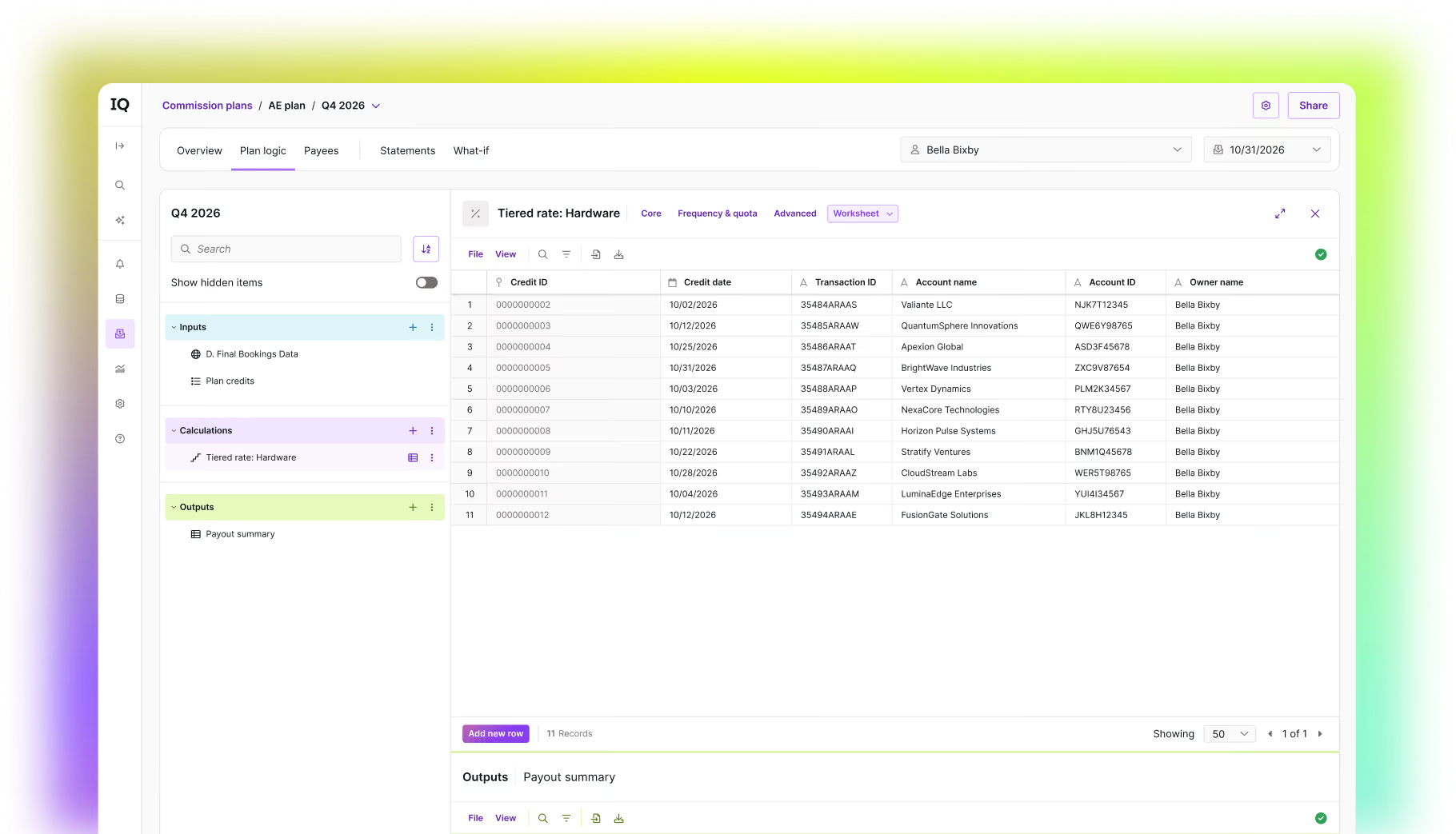
We built these improvements alongside a group of design partners: real admins running live commission plans today. They tested every step and helped shape what shipped, so the new experience seamlessly connects the pieces you need to build and manage your plans.
What's changing
Clearer names
The Calculation Workbook is now Plan Logic. Employee Attributes are now Payees. Payout Dates is now Pay Period End Dates. These updates make it simpler to understand what each part of your commission plan does.
Next generation workbooks
With this update, we're shipping the next generation of workbooks at CaptivateIQ with enhanced navigation and a faster search. Our design partners agree that it’s now easier than ever to manage and find worksheets:
As a Revenue Compensation Manager, I'm in our data workbooks constantly and CaptivateIQ's new interface has made navigating them so much cleaner and faster. The redesigned sidebar alone has cut out a ton of friction from my day-to-day.
— Tim Noonan, Revenue Compensation Manager, Doppel
Plans
Building and managing your plans is now faster and more flexible. Existing plans continue to work seamlessly, so there's no need to rebuild anything. When it’s time to build a new plan or update an existing one, use plan components as smart starting points for common logic like flat rates, tiered rates or crediting; customizing as you go without losing your build's integrity.
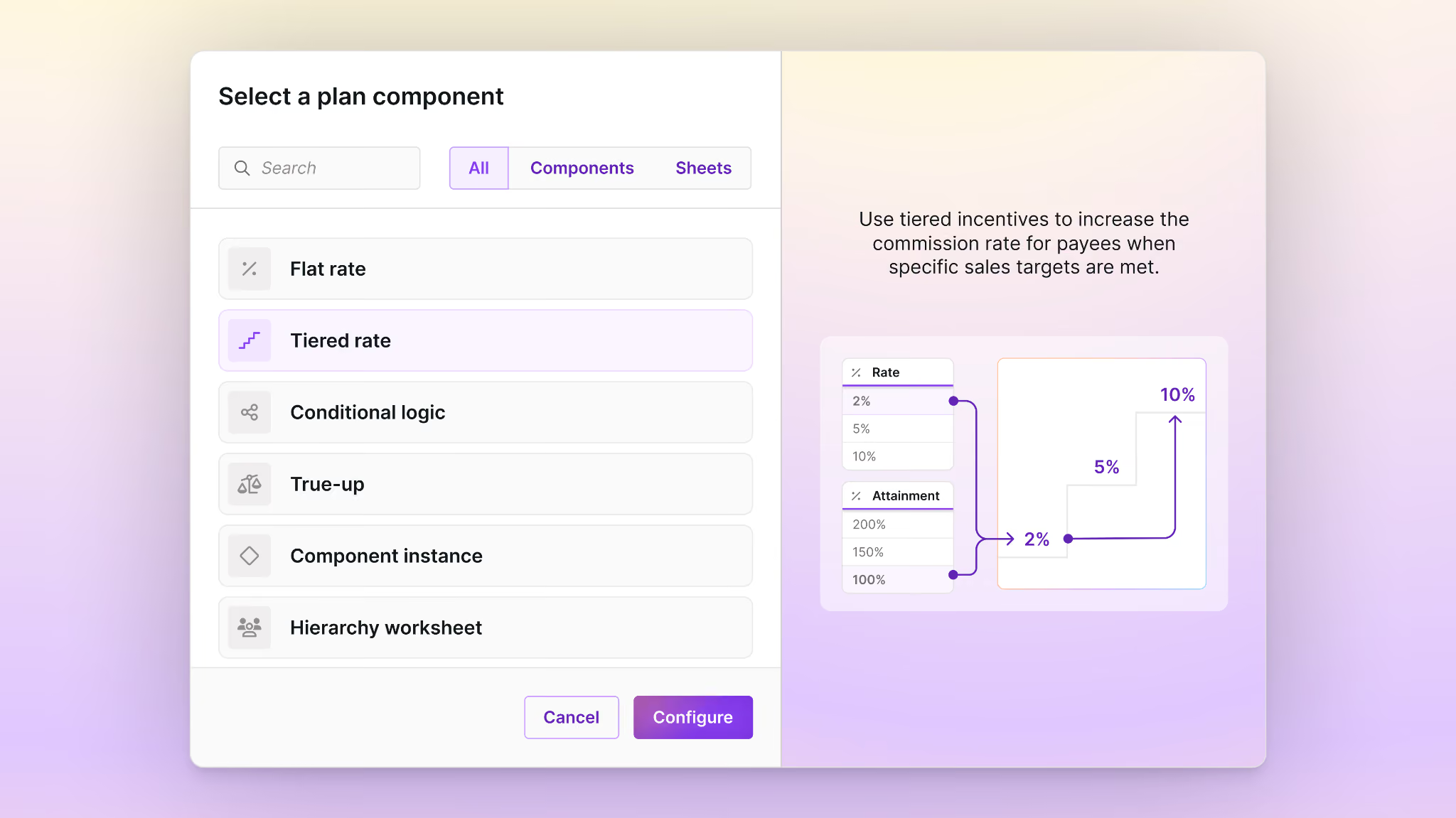
Prefer to build it from scratch? Nothing about manual plan-building has changed. Managing your team is just as easy: payee assignment now defaults to a structured table for clarity, with the underlying data still available with a single click for direct adjustments.
It took a short adjustment period, but then I realized my day-to-day in CaptivateIQ got so much easier. Everything feels cleaner, and it just feels crisp. Nothing here made my job harder, just better, which is the highest compliment I can give a product update like this.
— Sara Rutherford, Sr. Finance Manager for an Educational Software Company
Payouts
Process Payments is now prominently displayed, making it easier to access and accelerating your payroll processing. In Manage Payouts, we've replaced the need to open dozens of tabs with a full-screen statement view. You can now easily navigate between payees without ever leaving the page; simply hit Escape and instantly return to your workspace.
The new interface is a great example of how much the CaptivateIQ team has invested in this product recently. Moving Process Payments front and center has made reprocessing payroll noticeably faster. It's exactly the kind of continued improvement that keeps us confident in where the platform is headed.
— Katie Dickinson, Sr. Sales Ops Analyst, Hometap
The new Manage Payouts experience is designed really well. Being able to pop open a statement without leaving the page, and just hit escape to close it, makes getting through our workflow so much smoother. After a full week of running our actual payouts through it, it's easily become my favorite part of the process. It is an easy call to keep the new UI enabled for our team.
— Tyler Dixon, Strategic Financial Analyst, Harness
Try it today
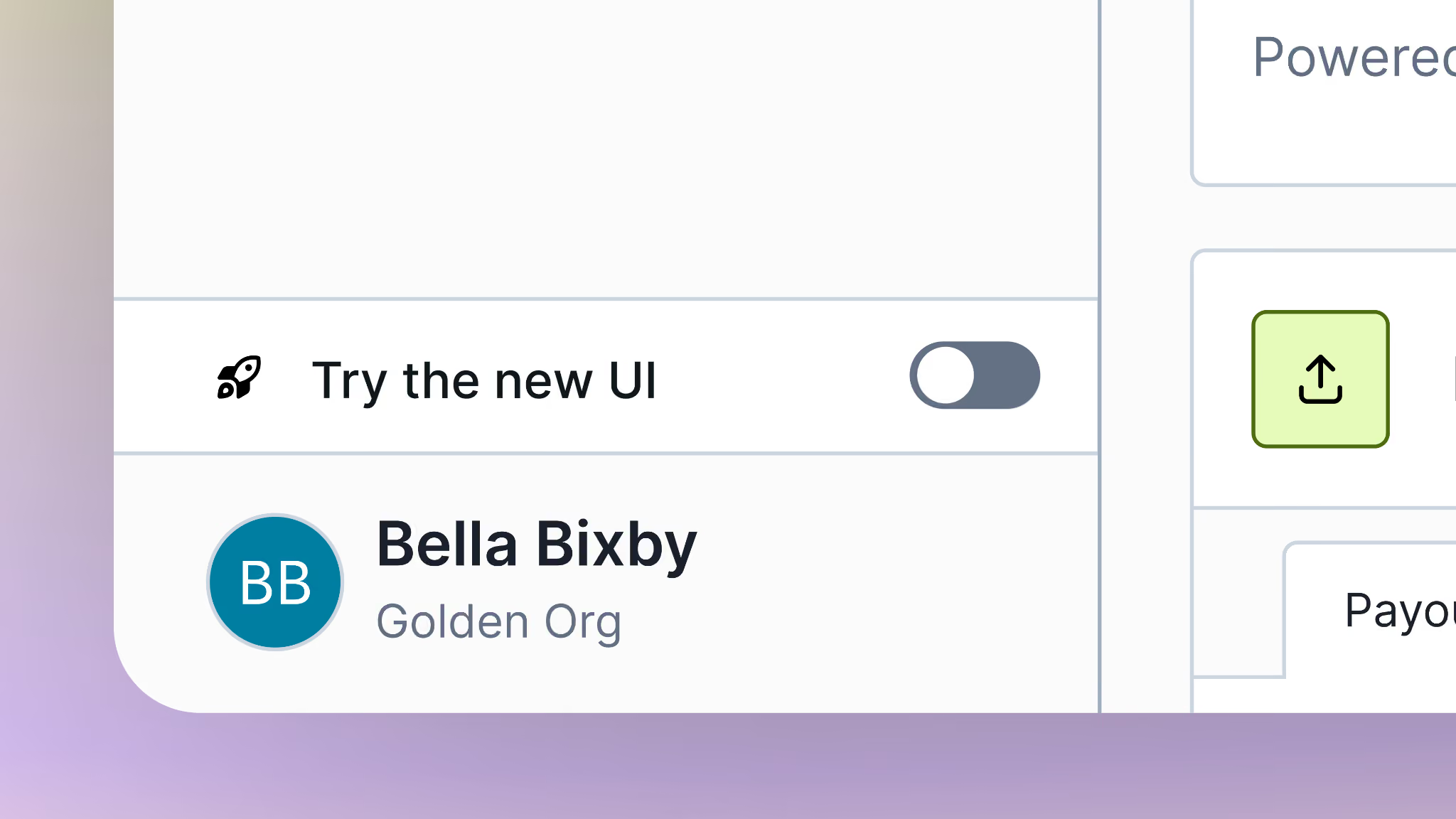
The "Try the new UI" toggle is live in every account right now, and it's completely optional through September 8, so flip it on and off as you like. Starting September 9, the new experience becomes the default: log in, and that’s what you’ll see. If you want to switch back to the classic view, the toggle will still be there. But we think you’ll like what you see.
Questions along the way
Your dedicated Customer Success Manager and our Support team are happy to help. You can also check out our Knowledge Base article, which walks through everything covered here in more detail.
If you feel that the new, refreshed UI isn't meeting your needs, let us know! We’re committed to building the best experience, and want to hear from you.
.png)